
Designing an Editorial Workflow That Scales Across Brands
When your content operation grows from one blog to multiple brands, the informal processes that worked for a small team quickly become bottlenecks. A scalable editorial workflow isn't about adding more steps—it's about creating predictable patterns that teams can execute without constant oversight.
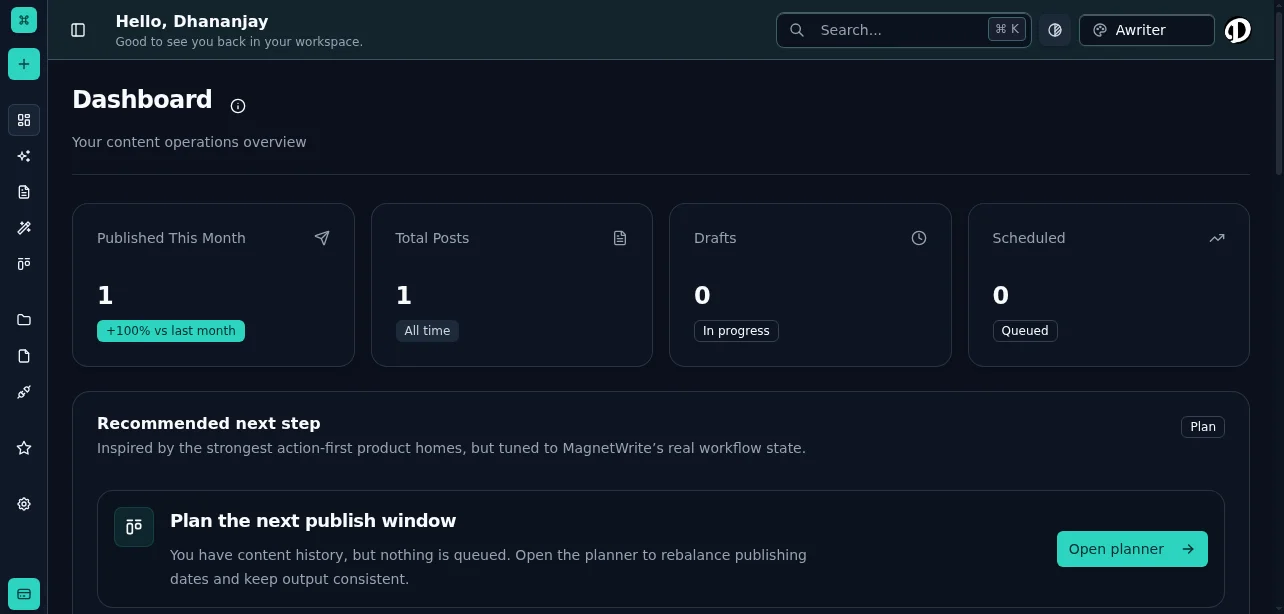
Your central hub for managing content operations across multiple brands
The Core Workflow Stages
Every piece of content moves through distinct phases. The key is making these transitions explicit and measurable.
Ideation and Planning
This stage transforms vague ideas into actionable briefs. Without structure here, writers start work with incomplete context, leading to revision cycles that could have been avoided.
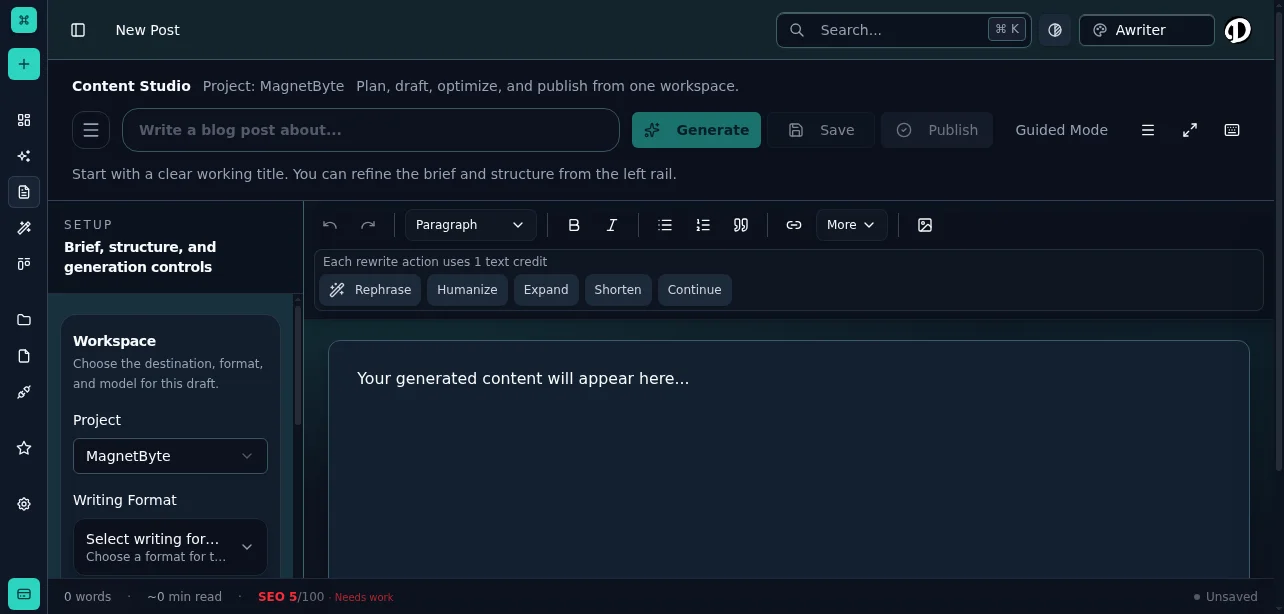
Create and manage content briefs in the Content Studio
What belongs in a content brief:The brief is your contract with the writer. If it's incomplete, the output will be unpredictable.
Drafting and Development
Writers need uninterrupted time to produce first drafts. The workflow should protect this phase from premature feedback.
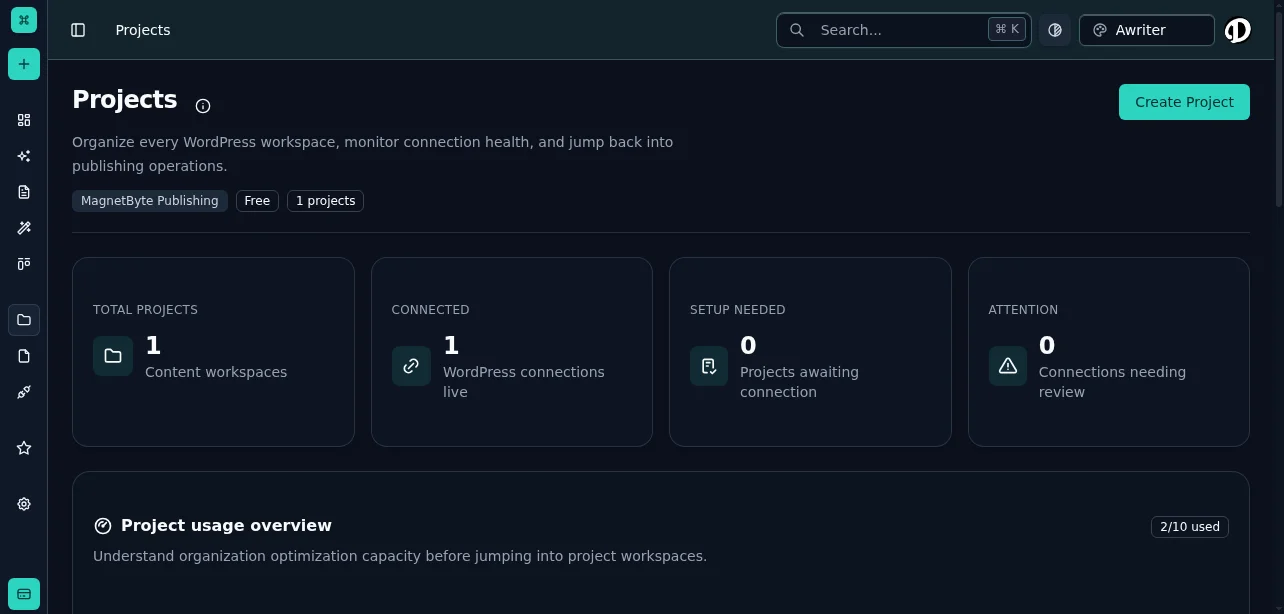
Organize content by project to maintain clear ownership and workflow stages
Drafting best practices:When writers know exactly what's expected and have the resources to deliver it, draft quality improves and revision rounds decrease.
Editorial Review
This is where quality control happens. The reviewer checks for accuracy, brand alignment, SEO optimization, and readability.
Review checklist:Reviewers should have clear authority to request revisions or approve for the next stage. Ambiguous feedback loops waste time.
Approval and Scheduling
Final approval comes from whoever owns publishing decisions—this might be a content director, brand manager, or client stakeholder.
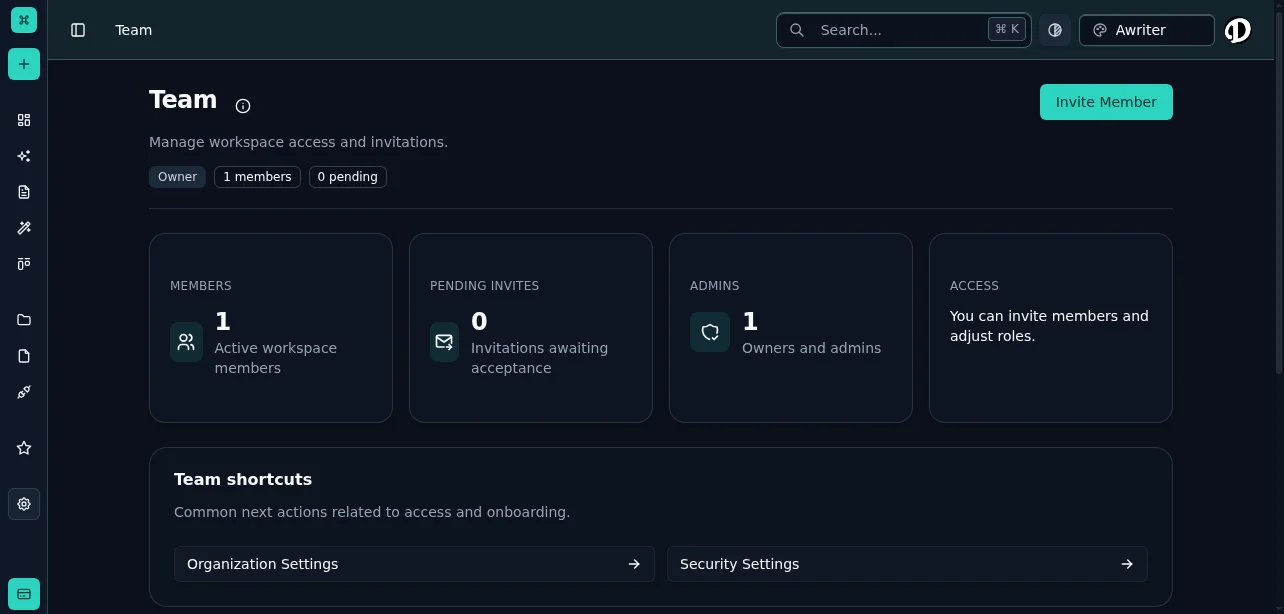
Configure team roles, permissions, and approval workflows in Settings
Approval stage requirements:Once approved, content moves to the publishing queue with a scheduled date. This separation prevents last-minute changes from disrupting the calendar.
Publishing and Distribution
The final stage is execution. Content goes live, gets distributed through appropriate channels, and enters the performance tracking system.
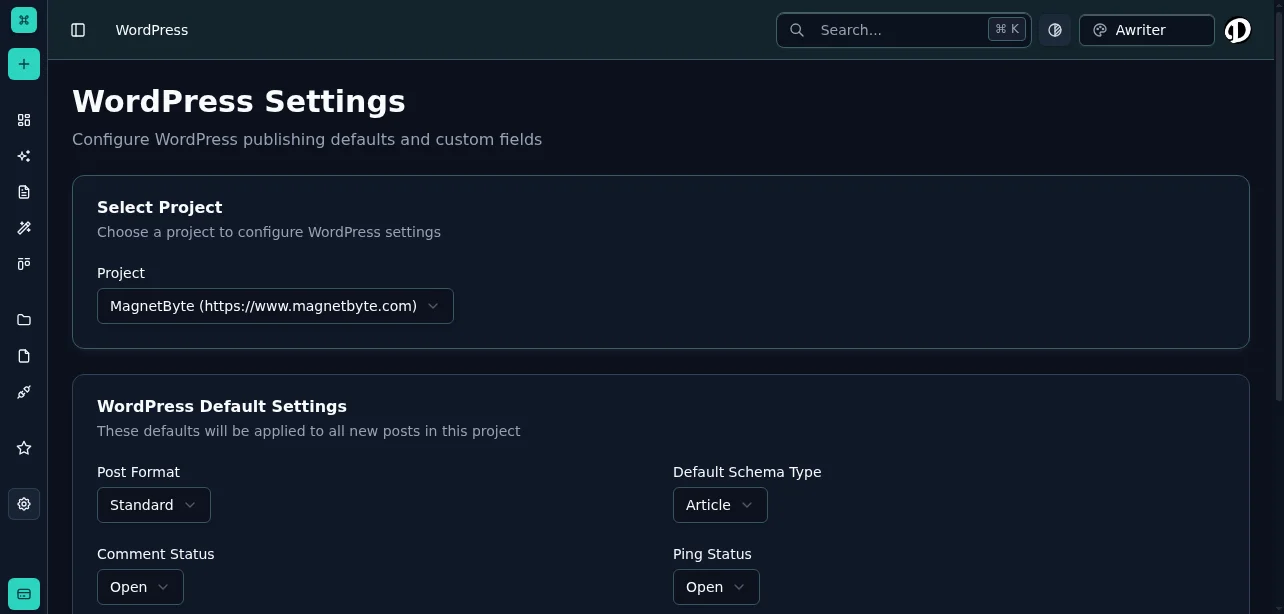
Connect your WordPress sites to enable seamless publishing and distribution
Publishing checklist:Team Roles and Responsibilities
Workflow stages mean nothing without clear ownership. Define roles based on what decisions each person makes, not just what tasks they perform.
Content Strategist
Owns: Content calendar, topic selection, brief creation Decides: What gets produced and when Measures: Pipeline health, topic coverage, strategic alignmentThe strategist ensures the team is working on the right things. They manage the backlog and prioritize based on business goals.
Writer
Owns: Draft creation, research, initial SEO optimization Decides: How to structure and present the content Measures: Draft completion rate, revision frequency, content quality scoresWriters execute against briefs. They should have autonomy over how they achieve the brief's objectives.
Editor
Owns: Quality assurance, brand voice consistency, fact-checking Decides: Whether content meets publishing standards Measures: Approval rate, revision turnaround time, quality metricsEditors are the quality gate. They protect brand reputation by ensuring nothing substandard reaches the audience.
Publisher
Owns: Production execution, distribution, technical publishing Decides: Final formatting and timing details Measures: Publishing accuracy, on-time rate, distribution reachPublishers handle the operational details of getting content live and distributed.
Content Calendar Management
The calendar is your single source of truth. It should answer three questions instantly: What's publishing when? Who's responsible? What stage is it in?
Calendar Structure
Time horizons:This structure prevents last-minute chaos while maintaining flexibility for timely content.
Status Tracking
Every content piece needs a visible status:
Status changes trigger notifications to relevant team members. No one should have to ask "where is this piece?"
Capacity Planning
Your calendar should reflect team capacity, not wishful thinking. Track how long each content type actually takes to produce, then plan accordingly.
Capacity calculation:If your calendar shows more work than your team can deliver, you have a planning problem, not a performance problem.
Approval Processes That Don't Bottleneck
Approval gates protect quality, but poorly designed approval processes kill momentum. The goal is to catch problems without creating dependency chains.
Single-Tier Approval
For most content, one approval step is sufficient. The editor reviews for quality, then a single stakeholder approves for publishing.
When to use:Multi-Tier Approval
Some content requires multiple sign-offs due to legal, compliance, or brand sensitivity concerns.
When to use:Approval Bypass Rules
Define scenarios where content can skip approval and go straight to publishing. This prevents bottlenecks for low-risk content.
Bypass candidates:Document these rules clearly so team members know when they can move fast.
Scaling Strategies
As you add brands, team members, or content volume, your workflow needs to scale without adding proportional overhead.
Workflow Automation
Automate the mechanical parts of your workflow so humans focus on judgment and creativity.
Automate these transitions:Template Libraries
Create templates for recurring content types. This reduces decision fatigue and speeds up production.
Template categories:Templates should be living documents that improve based on what works.
Cross-Brand Consistency
When managing multiple brands, you need consistency in process even when brand voices differ.
Standardize:This separation lets you scale operational efficiency while maintaining brand distinctiveness.
Team Specialization
As teams grow, specialization improves efficiency. Instead of everyone doing everything, people develop deep expertise in specific areas.
Specialization options:Specialization works when you have enough volume to keep specialists busy. For smaller teams, generalists remain more practical.
Measuring Workflow Health
Track metrics that reveal workflow problems before they impact output quality or deadlines.
Leading indicators:When leading indicators deteriorate, investigate immediately. By the time lagging indicators show problems, you're already behind.
Common Workflow Failures
The Endless Revision Loop
Symptom: Content cycles between writer and editor repeatedly without clear resolution. Cause: Unclear brief, subjective feedback, or misaligned expectations. Fix: Improve brief quality, create objective review criteria, limit revision rounds to two unless major issues exist.The Approval Bottleneck
Symptom: Content stacks up waiting for stakeholder approval. Cause: Too many approvers, unclear approval criteria, or approvers without capacity. Fix: Reduce approval layers, set strict SLAs with escalation, or delegate approval authority.The Last-Minute Scramble
Symptom: Team consistently misses deadlines or publishes rushed content. Cause: Unrealistic timelines, poor capacity planning, or scope creep. Fix: Build realistic timelines based on actual performance data, add buffer time, lock content scope at brief stage.The Quality Drift
Symptom: Published content quality varies widely or gradually declines. Cause: Inconsistent review standards, rushed approval, or inadequate editor capacity. Fix: Document objective quality criteria, ensure adequate review time, invest in editor training.Implementation Roadmap
Don't try to implement a complete workflow system overnight. Roll it out in phases.
Phase 1: Document current stateMap your existing workflow, identify bottlenecks, gather team feedback on pain points.
Phase 2: Define stages and rolesEstablish clear workflow stages, assign role ownership, create basic templates and checklists.
Phase 3: Implement trackingSet up your calendar system, define status categories, establish basic metrics.
Phase 4: Add automationAutomate notifications, status transitions, and reporting where it adds value.
Phase 5: Optimize and scaleRefine based on performance data, add specialization as volume grows, expand to additional brands.
A scalable editorial workflow isn't about perfection—it's about creating predictable patterns that teams can execute consistently. Start with the basics, measure what matters, and improve based on evidence.