

Help Center
Everything you need to get started and succeed
Company
Quick Start Guides
Setup guidance for onboarding, publishing flow, security controls, and plan-aware WordPress operations.
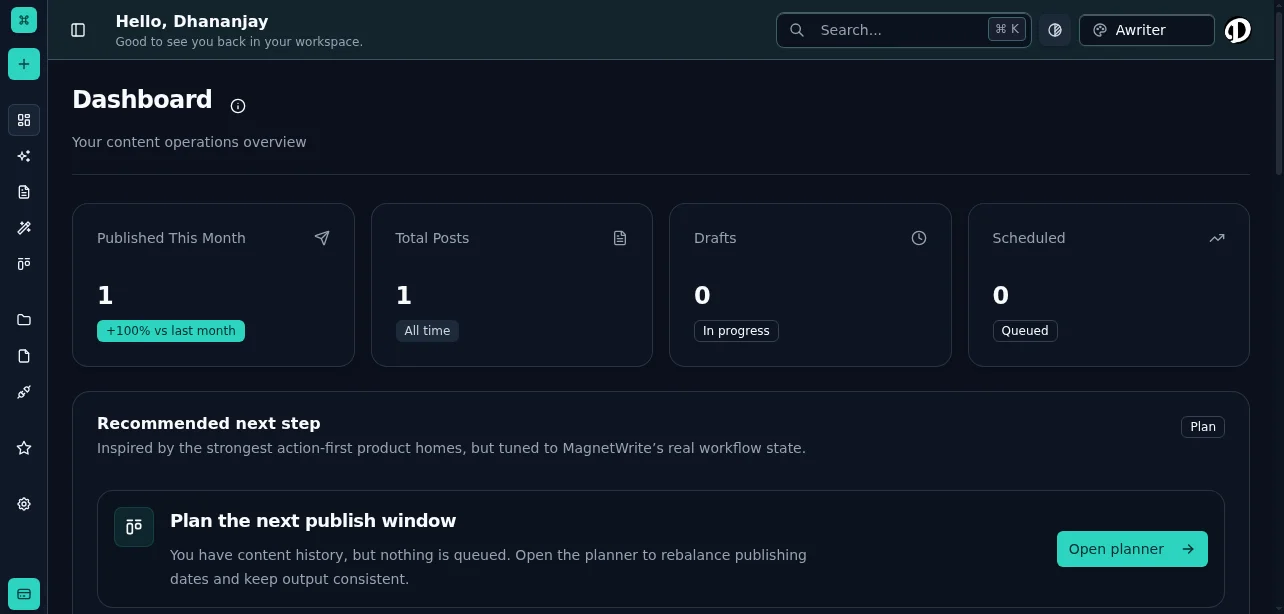
Getting started
Set up the workspace, connect WordPress, and get the first content flow running without guesswork.
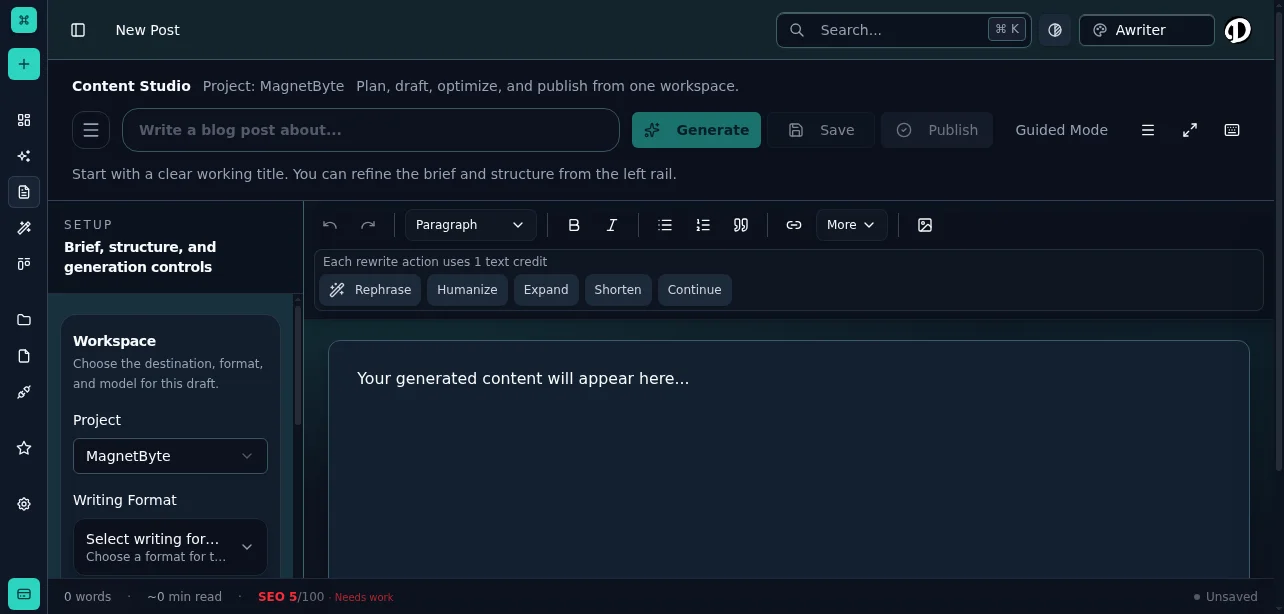
Publishing workflow
Understand how templates, optimization, approvals, scheduling, and delivery fit into one operating rhythm.
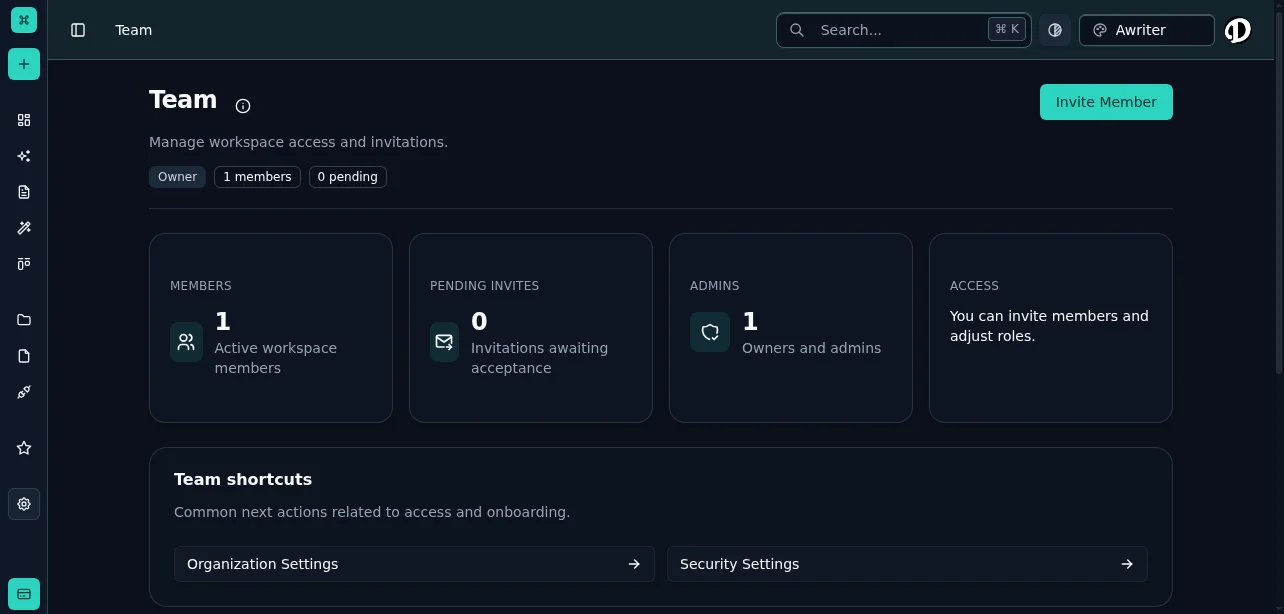
Governance and security
Make roles, MFA, audit trails, and AI controls understandable to both admins and operators.
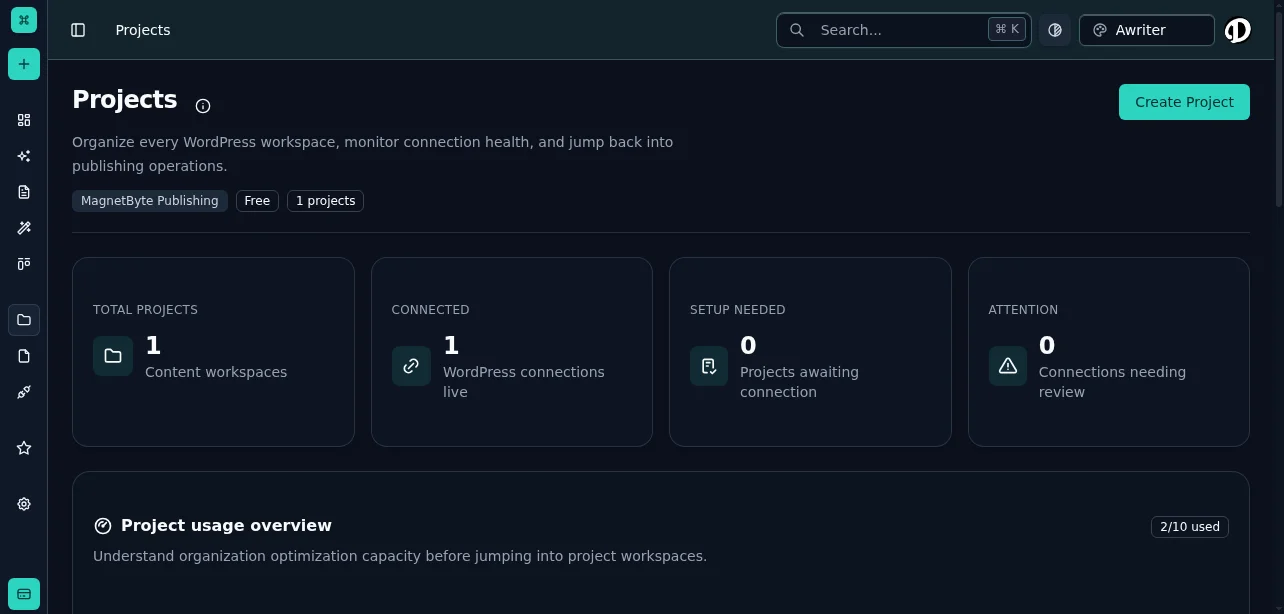
Plans and operational support
Help teams understand plan limits, support paths, and what changes as publishing volume grows.
Popular guide
30-minute team onboarding blueprint
A practical starting sequence for going from signup to first scheduled content.
Read onboarding guidePopular guide
WordPress publishing governance guide
See how review gates, auditability, and role boundaries fit into a real content workflow.
Open governance guidePopular guide
Editorial workflow for multi-brand teams
Learn how teams can keep planning, approvals, and delivery aligned across projects.
See workflow playbookHow do I connect a WordPress site?
How do I invite team members and assign roles?
Why is publishing blocked for my workspace?
Where can I audit sensitive actions?
Can we enforce MFA for all users?
Still blocked?
Contact support with the error message, request timestamp, and workspace ID for faster triage. If you are still evaluating plans, use pricing or contact sales for rollout help.